Quick start
One dependency and one Mount(...) call give your Nucleus application a full
admin panel at /admin — Data Studio, a live request and SQL feed, sessions,
RBAC and metrics. It is served straight from your own binary: nothing separate
to deploy, no sidecar process, no database of its own.
You need Go 1.26 or newer and a Nucleus application to mount into.
1. Add the dependency
go get github.com/jcsvwinston/orbit@latest
The current release is v1.9.0; pin that tag rather than @latest for reproducible builds.
2. Mount the module
import (
    "os"

    "github.com/jcsvwinston/nucleus/pkg/nucleus"
    "github.com/jcsvwinston/orbit"
)

func main() {
    app, err := nucleus.New().
        FromConfigFile("nucleus.yml").
        Mount(orbit.Module(orbit.Config{
            Prefix:            "/admin",
            Title:             "Acme Admin",
            BootstrapUsername: "admin",
            BootstrapEmail:    "admin@acme.test",
            // When BootstrapPassword is empty, no admin user is created —
            // provision it another way (e.g. nucleus createuser). The admin
            // users schema is created at mount either way.
            BootstrapPassword: os.Getenv("ADMIN_BOOTSTRAP_PASSWORD"),
        })).
        Build()
    if err != nil {
        panic(err)
    }
    if err := nucleus.Run(app); err != nil {
        panic(err)
    }
}
3. Start the app and sign in
Run the application, open /admin, and sign in as the bootstrap user.
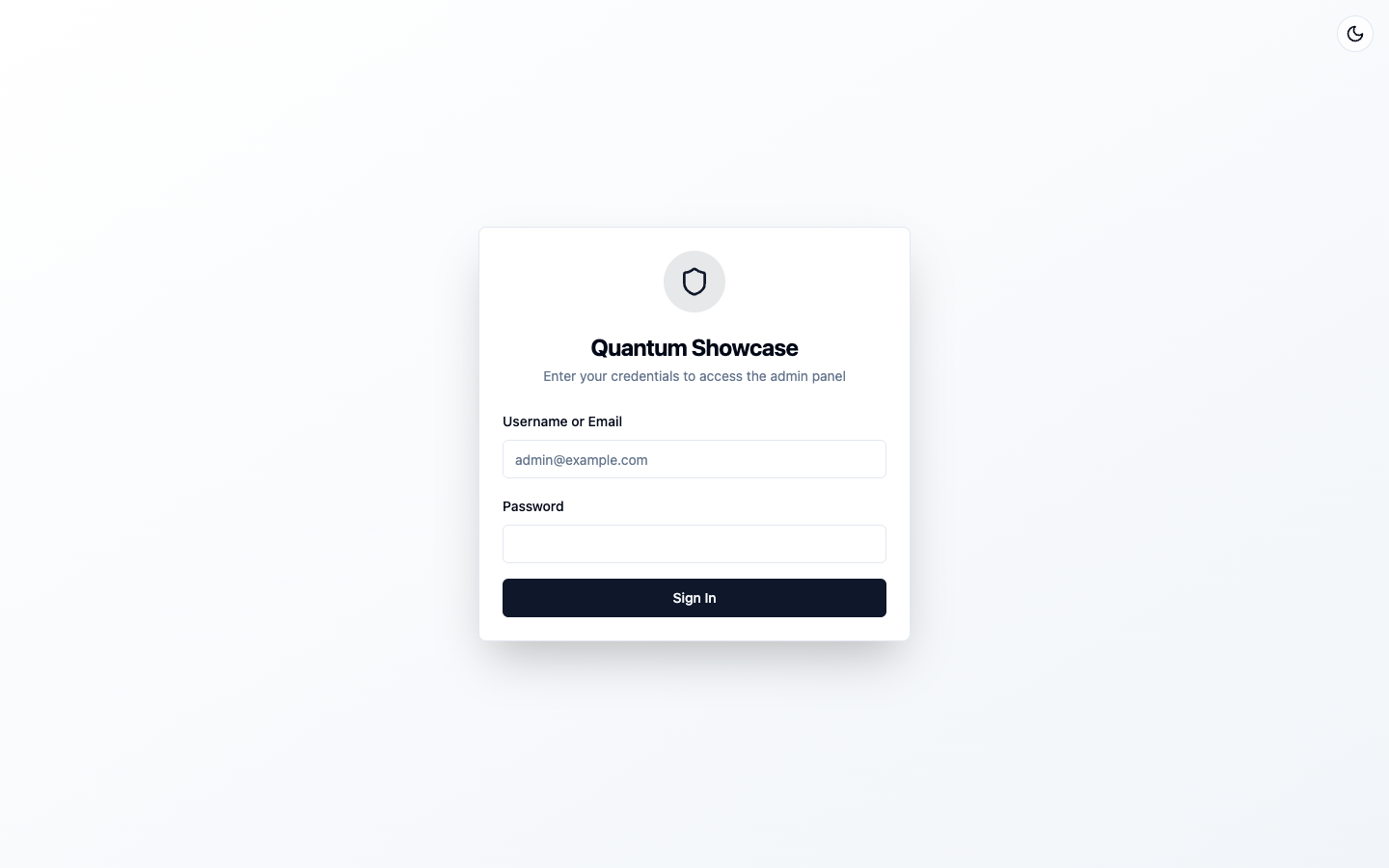
You do not wire up any protection yourself. Orbit registers its prefix with the framework's default-deny RBAC and enforces its own session-based login below that prefix, so the panel is gated from the first request.
4. Register a model so Data Studio has something to show
Orbit brings no data of its own: Data Studio browses the host application's model registry. If your app registers no models — as the bare snippet above does — the panel mounts and logs you in, but Data Studio lists zero models. That is expected, not a broken install.
A model appears in Data Studio the moment your app registers it. In
Nucleus that means listing the struct in a module's Models and making
sure its table exists:
import (
    "context"

    "github.com/jcsvwinston/nucleus/pkg/model"
    "github.com/jcsvwinston/nucleus/pkg/nucleus"
)

type Note struct {
    model.BaseModel

    Title string `db:"required" json:"title" validate:"required"`
    Body  string `json:"body"`
}

func notesModule() nucleus.ModuleSpec {
    return nucleus.Module[struct{}]{
        Name:   "notes",
        Models: []any{Note{}}, // ← this line puts Note in Data Studio
        OnStart: func(_ context.Context, rt nucleus.Runtime, _ struct{}) error {
            // Dev-mode convenience; production apps use SQL migrations.
            return rt.AutoMigrate(Note{})
        },
    }.Build()
}
Mount it next to Orbit — order does not matter:
nucleus.New().
    FromConfigFile("nucleus.yml").
    Mount(notesModule()).
    Mount(orbit.Module(orbit.Config{ /* ... */ })).
    Build()
Restart, open Data Studio, and Note is there — browse, create, edit,
delete. Every model your application registers shows up the same way;
Orbit needs no per-model configuration.
Model registration is a Nucleus concept, not an Orbit one — see the
Nucleus quickstart and
models and database for tags,
relations, and real migrations. The runnable
examples/minimal
in the repository is exactly this page as a program: one Note model, one
Mount, a populated Data Studio.
The bootstrap user
Orbit creates the nucleus_admin_users schema every time it mounts.
BootstrapPassword only decides whether an admin user is created in it:
- Set — on first start Orbit creates the user named by
BootstrapUsername, unless that user already exists. - Empty — no admin user is created. Provision one another way, for
example with the framework's
nucleus createusercommand against the same database, before you try to sign in. Because the schema already exists after the first start,createuserworks right away — no bootstrap password is ever required.
Reading the password from the environment, as the snippet above does, keeps it out of your source tree.
Every option has a default
orbit.Config's zero value is valid. This mounts the panel under /admin with
default settings and no bootstrap user:
.Mount(orbit.Module(orbit.Config{}))
Next: Configuration for every option, or How it works for the runtime model.